

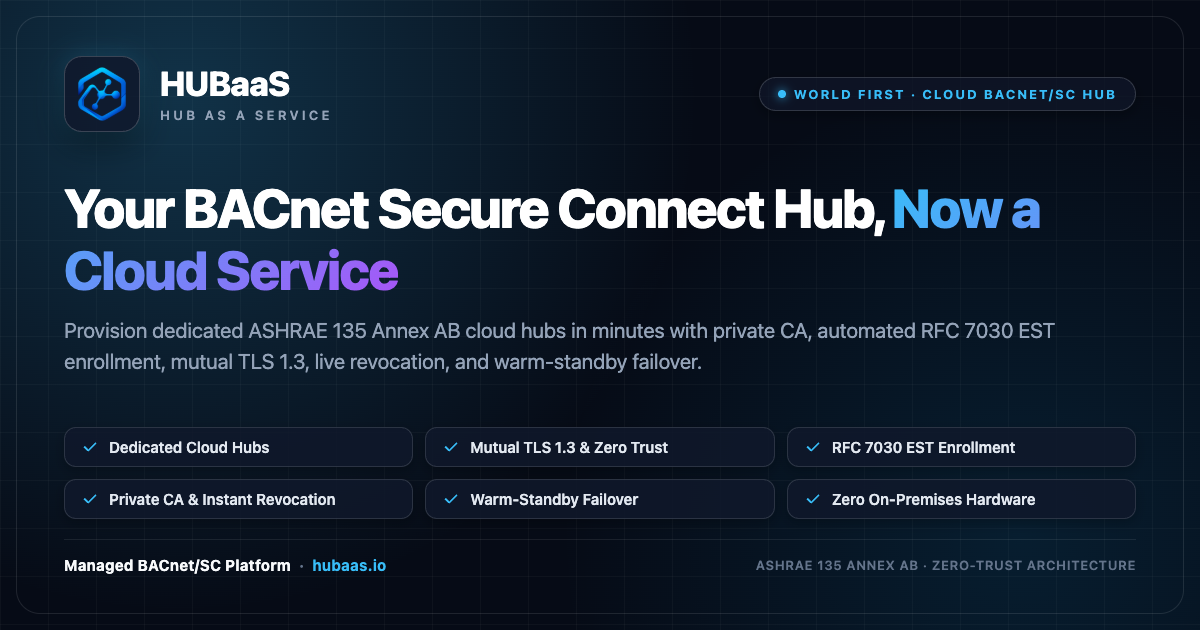
Your BACnet Secure Connect Hub, Now a Cloud Service
Retire vulnerable on-prem hub appliances. HUBaaS delivers dedicated, standards-compliant ASHRAE 135 Annex AB cloud hubs with a built-in private CA, RFC 7030 EST enrollment, mutual TLS 1.3, and live CRL revocation in minutes.
Engineered for Modern OT Cybersecurity
Explore how HUBaaS coordinates primary and standby hubs, automated certificate issuance, and field node routing without requiring VPNs or BBMDs.
Everything Required to Operate Secure Connect at Scale
HUBaaS provides the complete security fabric specified in ASHRAE 135 Annex AB, removing the complexity of building an internal PKI team.
Managed Annex AB Cloud Hub
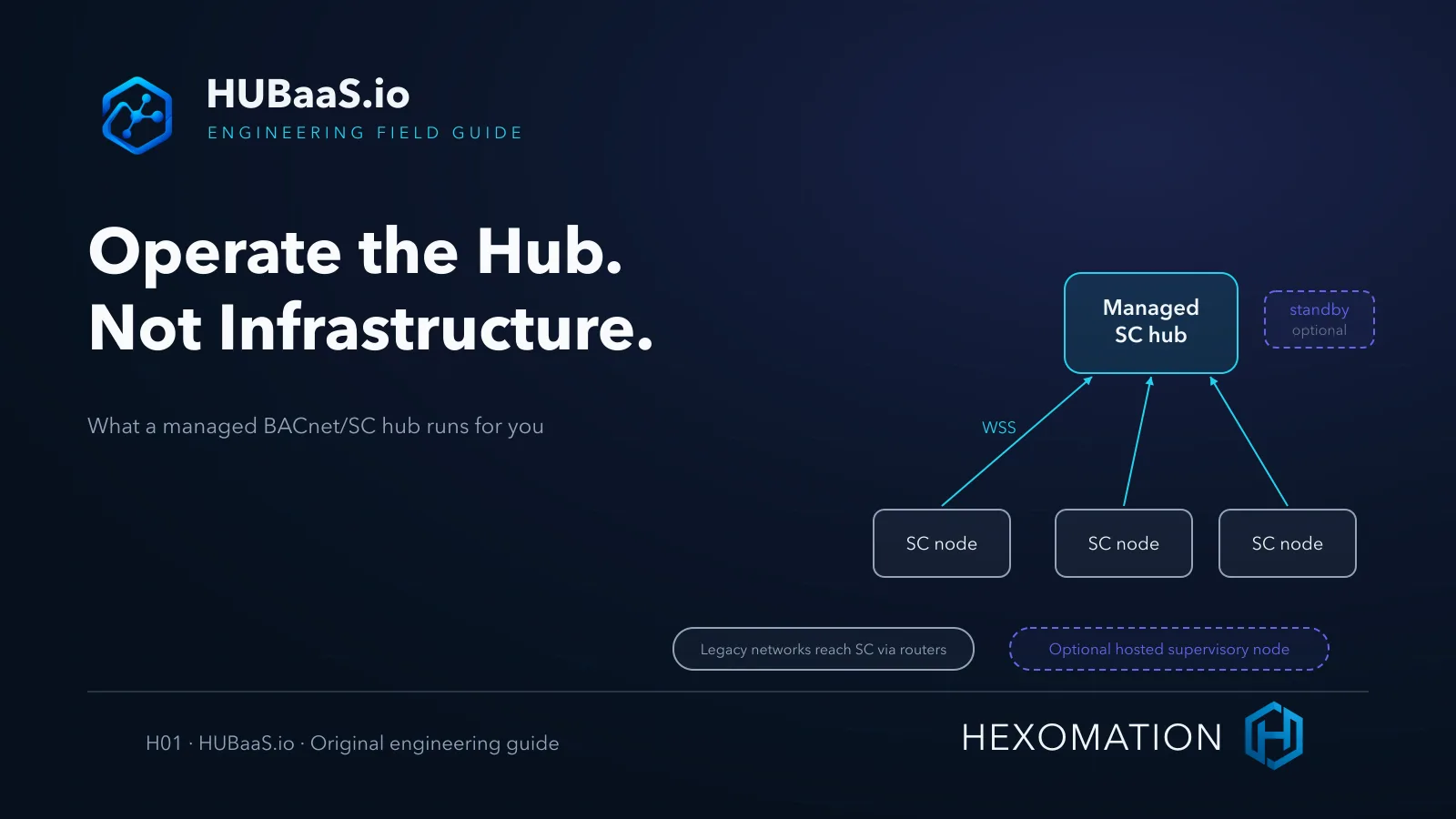
Provision dedicated BACnet/SC hubs per site at wss://{slug}.hubaas.io with zero on-premises hub hardware, zero open inbound ports, and automated warm-standby failover.
Private CA & RFC 7030 EST
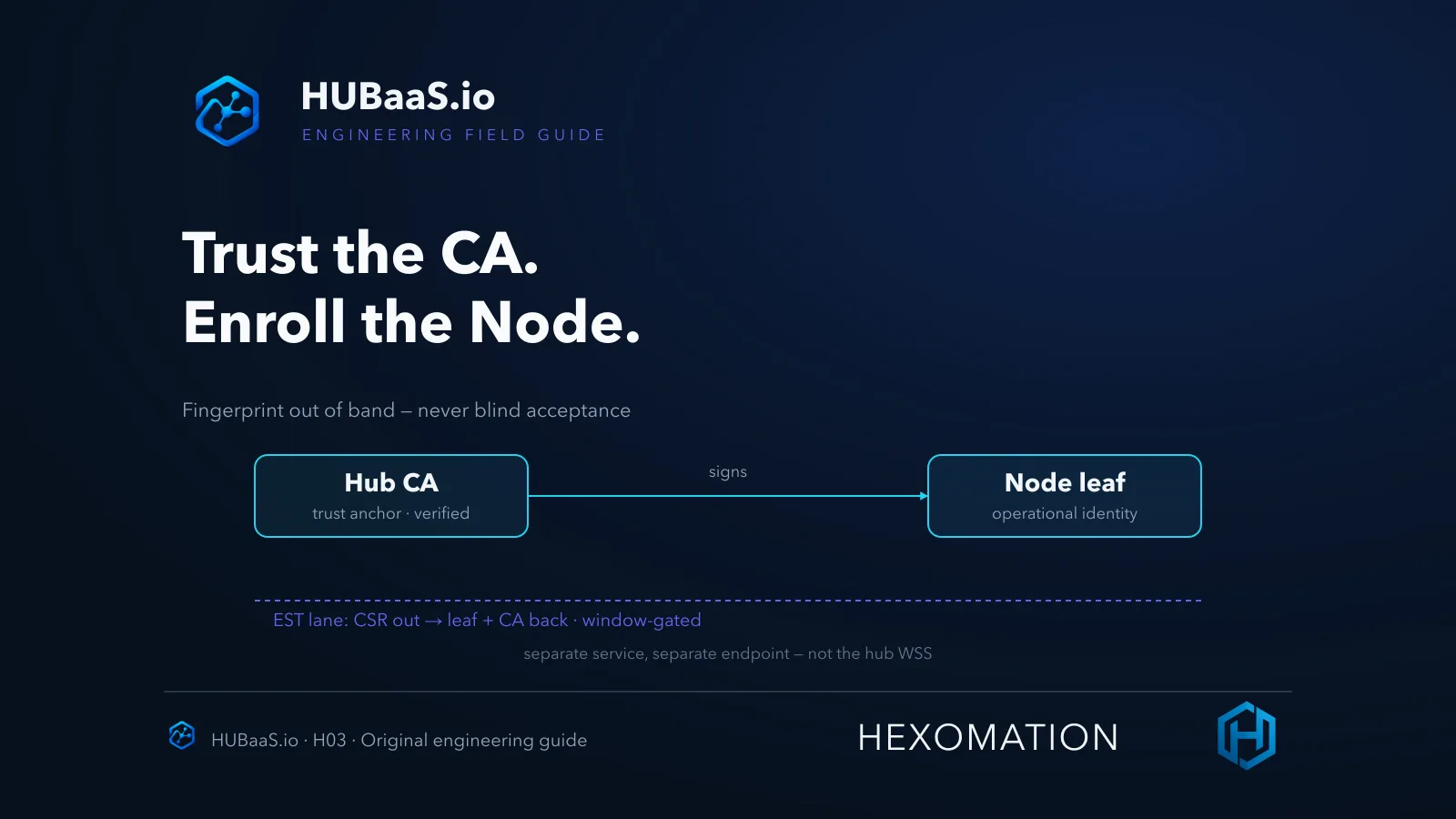
Automate device certificate lifecycle over standard RFC 7030 EST. No manual CSRs or emailed files. Download the CA with SHA-256 fingerprint for pinning.
Timed Enrollment Windows
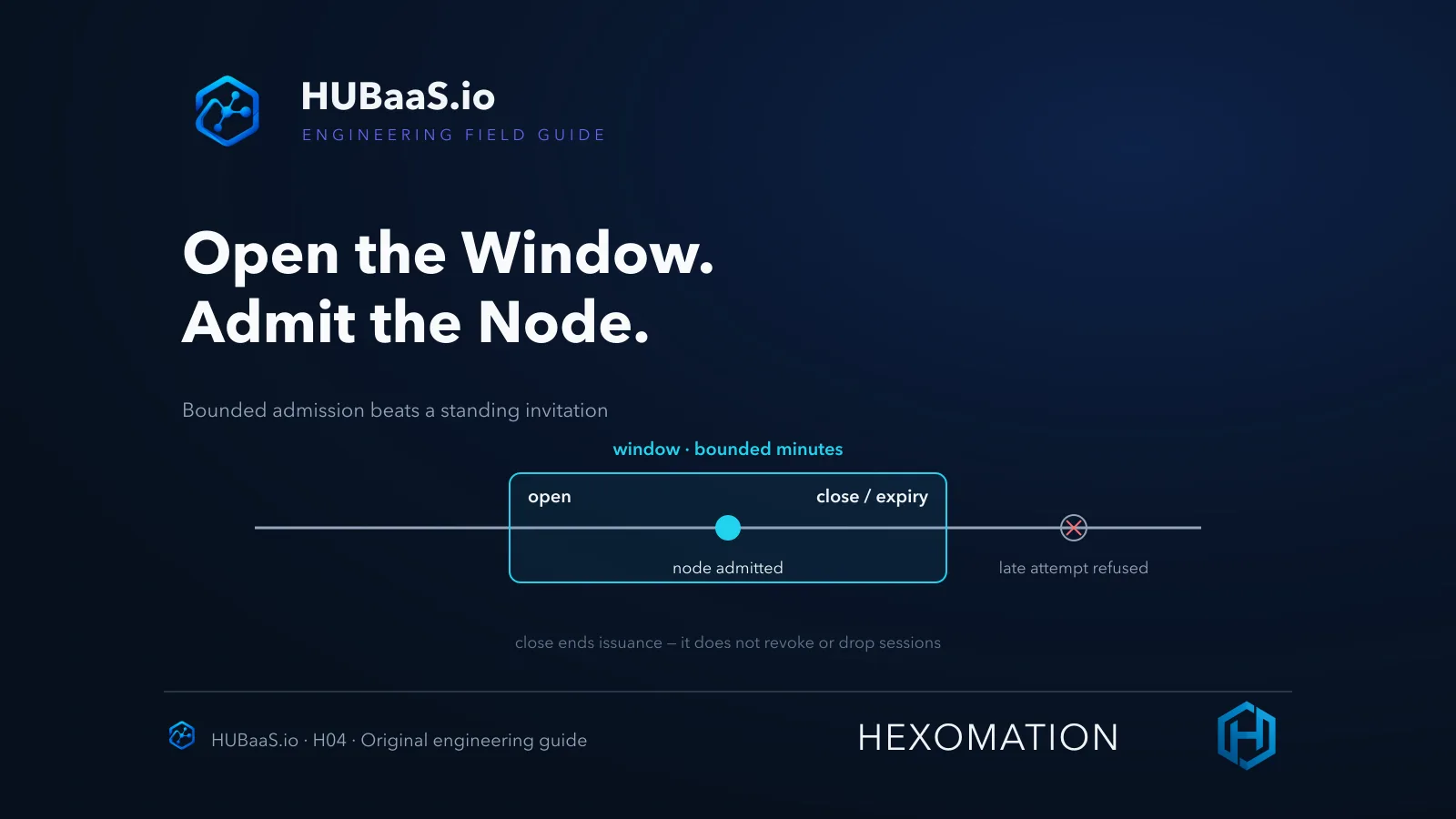
Keep the public EST endpoint closed by default. Open a 1 to 480 minute window from the console while commissioning; it auto-closes when the timer expires.
Live CRL Revocation
Revoke compromised nodes with a single click. The CRL is instantly pushed to every hub replica and the node is disconnected immediately. It cannot reconnect.
Warm-Standby Failover Hub
Publish a secondary hub at wss://{slug}-standby.hubaas.io. Both replicas share the same CA and credentials, allowing nodes to failover without re-enrolling.
Optional Hosted Supervisory Node
Run discovery, trends, schedules and alarms in the HUBaaS cloud without buying or installing a supervisor on-site. Joins your hub like any other node.
Hardware Hub Appliances vs. HUBaaS Cloud Hub
Why system integrators and facility operators are retiring dedicated hub boxes in favor of managed cloud services.
| Dimension | Hardware Hub Appliance | HUBaaS Cloud Hub |
|---|---|---|
| Upfront Hardware Appliance | Required ($1,500–$5,000 / site) | None ($0 upfront) |
| Time to First Connected Node | Weeks (procure, ship, configure) | Minutes (instant cloud activation) |
| Certificate Authority & Enrollment | Complex manual CSRs or vendor PKI | Built-in Private CA + RFC 7030 EST |
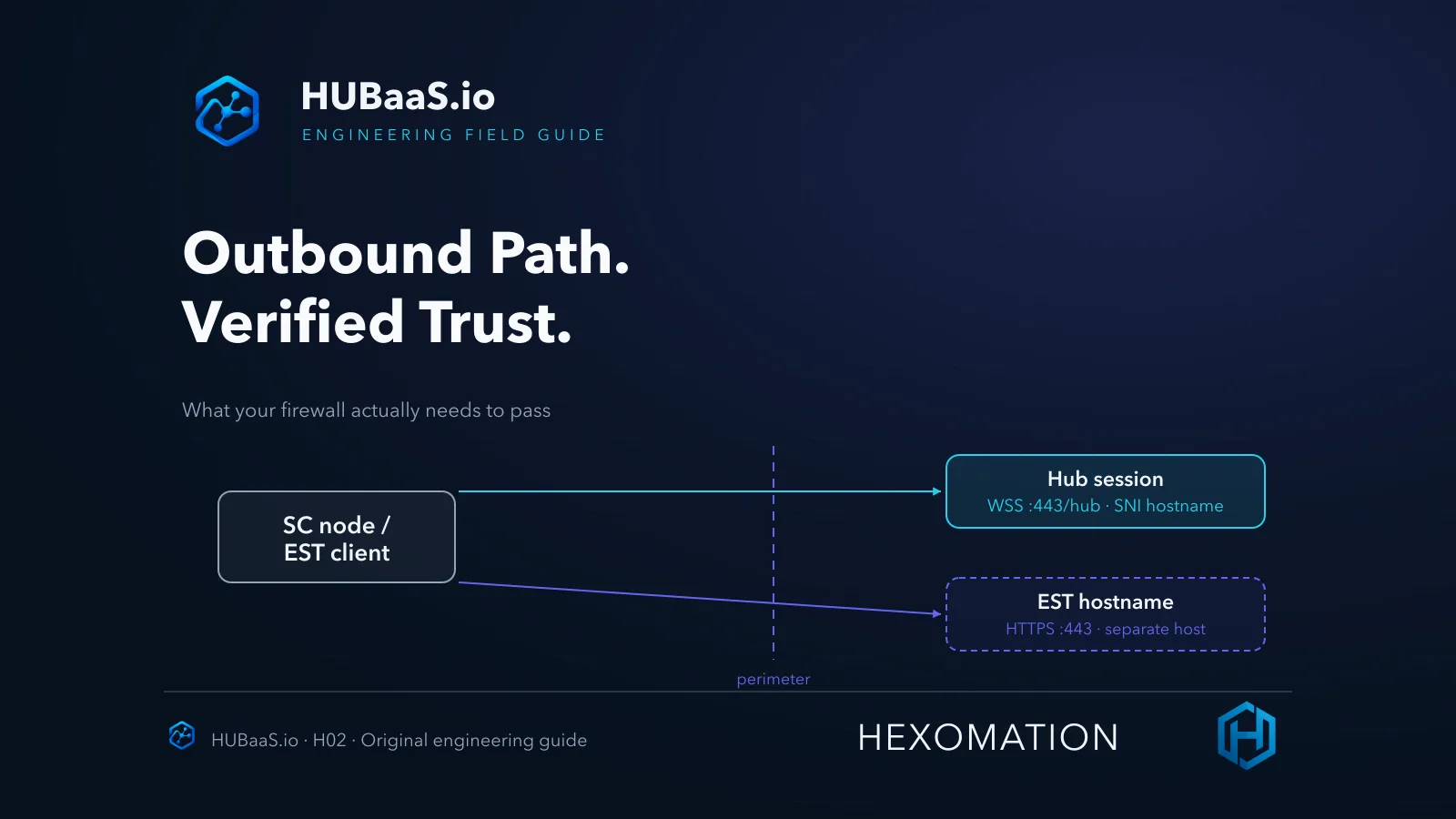
| Inbound Firewall Rules / NAT | Required (open port 443 inbound) | Never (outbound-only connections) |
| Live Revocation (CRL Push) | Manual file editing on appliance | One-click live CRL push across replicas |
| OS & TLS Security Patching | Customer responsibility / truck rolls | Automated & managed 24/7 |
| High-Availability Failover | Requires second physical box | One-toggle Warm Standby replica |
| Multi-Site Fleet Visibility | Isolated per box | Single pane of glass across all sites |
Works With Leading BACnet/SC Ecosystems
HUBaaS strictly adheres to ASHRAE 135 Annex AB. Any compliant BACnet/SC device or supervisor connects effortlessly.
Tridium Niagara N4
Standard BACnet/SC Driver & EST Client
Johnson Controls Metasys
NAE, SNE & BACnet/SC Controller
Siemens Desigo CC
Native Annex AB Node & Router Integration
Delta Controls
O3 & enteliWEB BACnet/SC Stacks
Cimetrics BACstac
OEM Stacks & Controller Firmware
BAaaS Edge Gateway
Turnkey Edge Router bridging MS/TP & IP
Billed for the Managed Hub, Not per Connected Node
Connect all your controllers, routers, and supervisors up to your plan tier without surprising per-point or per-node charges. Choose from Hub-Only plans (for existing supervisors) or Hub + Node plans with a cloud-hosted supervisory instance.
Managed Hub & Architecture Articles
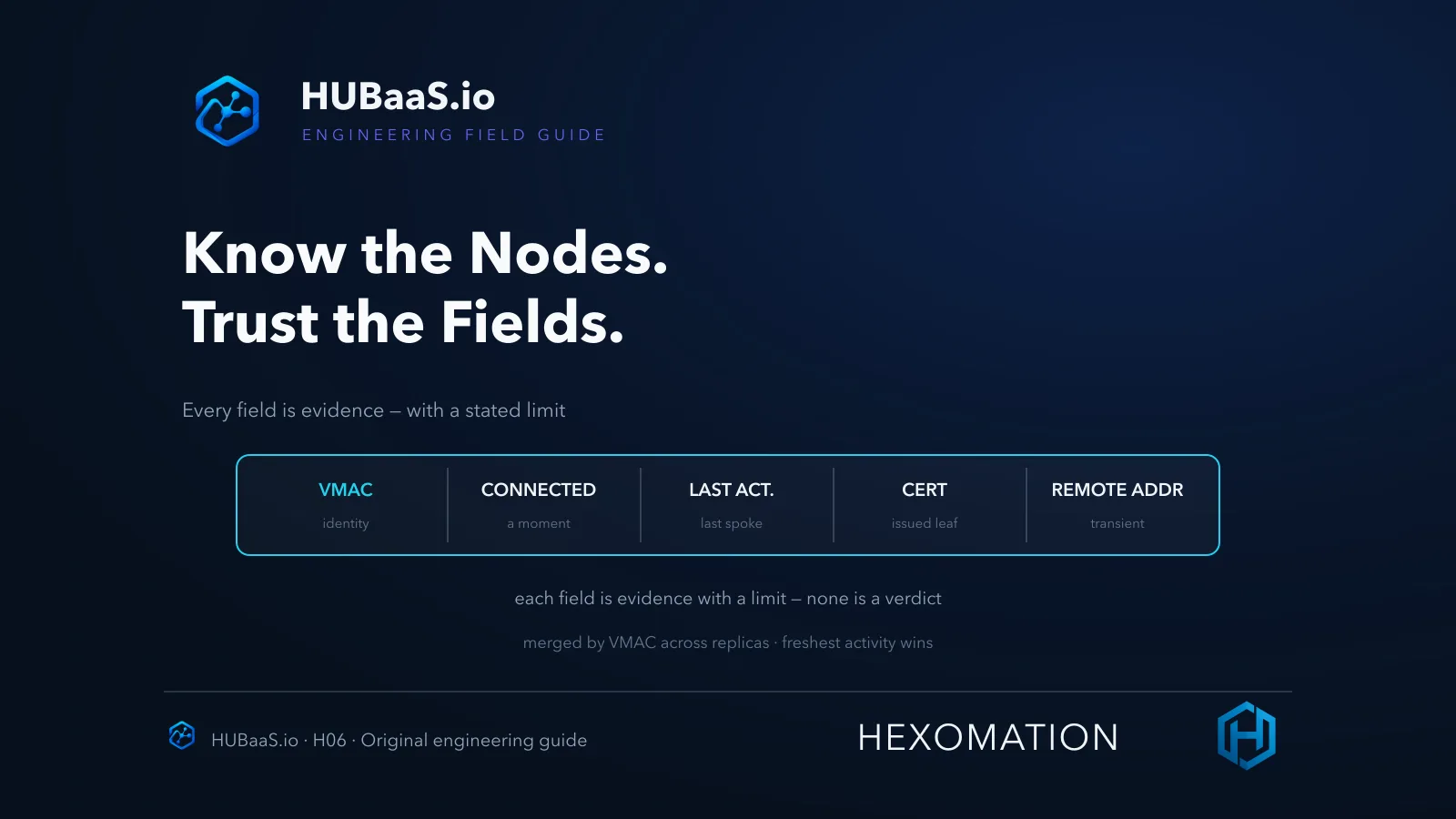
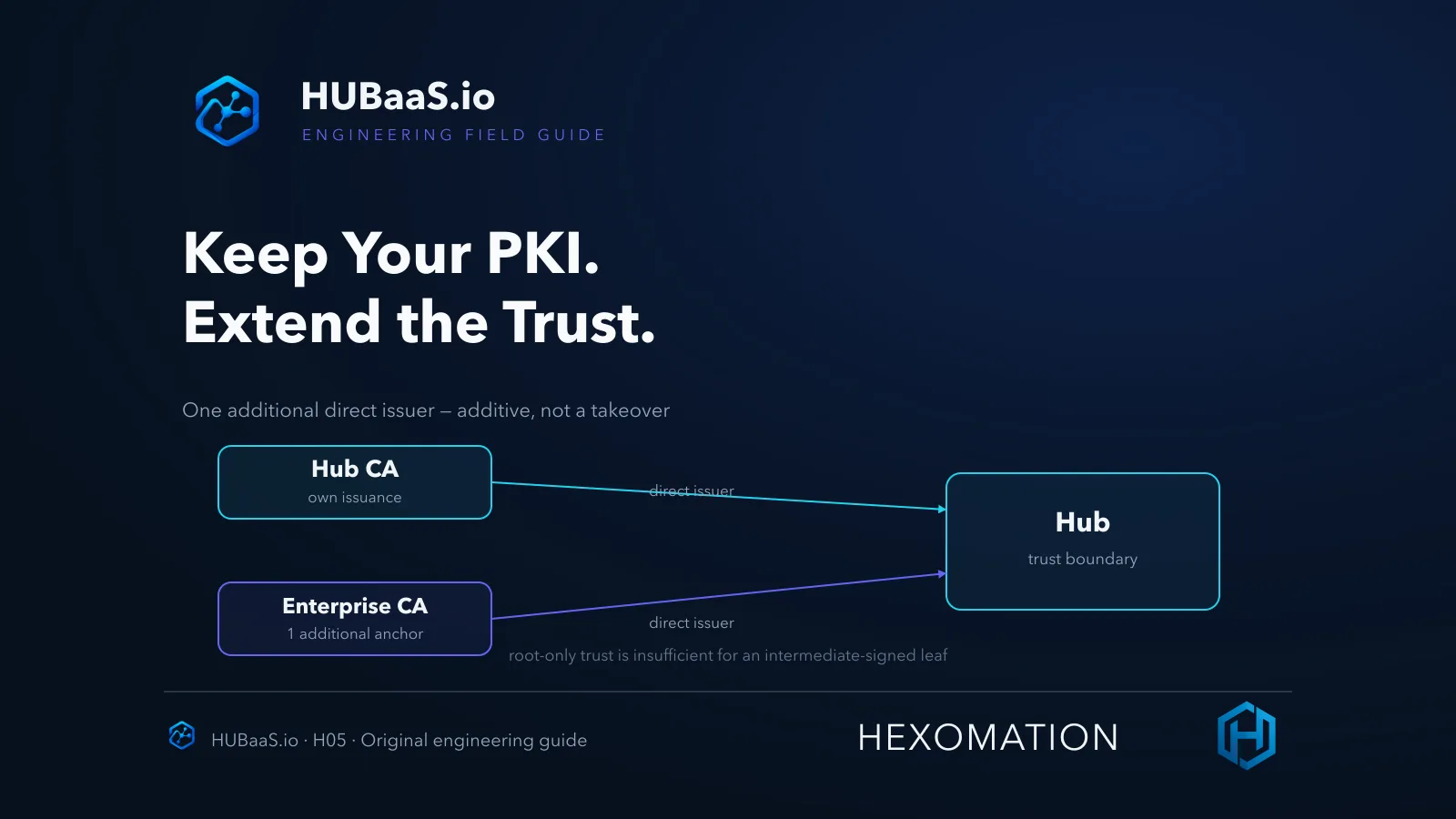
Learn about Annex AB architecture, zero-touch RFC 7030 EST enrollment, enterprise trust anchors, and firewall traversal.
Questions About HUBaaS & BACnet/SC
Technical answers regarding Annex AB hubs, RFC 7030 EST, certificate authority lifecycles, and network architecture.
What is a cloud BACnet/SC hub?
A cloud BACnet/SC hub is a standards-compliant ASHRAE 135 Annex AB Secure Connect hub that runs as a managed cloud service rather than an on-premises physical appliance or server VM. Nodes dial outbound to a secure WebSocket URI (wss://{slug}.hubaas.io) over TCP port 443. There are zero inbound firewall openings and no on-site hub hardware to maintain.
How does HUBaaS secure connections?
Every connection requires mutual TLS 1.3 (mTLS) with ECDSA P-256 keys. Both the hub and connected nodes validate each other using X.509 digital certificates issued by a private Certificate Authority dedicated to your site. Devices without a valid, unrevoked certificate are rejected at the TLS handshake.
How do timed enrollment windows protect my EST endpoint?
In HUBaaS, the RFC 7030 EST enrollment service is closed by default. When an engineer commissions devices, they open a timed window of 1 to 480 minutes from the HUBaaS console. When the timer expires, the enrollment endpoint locks automatically. Nodes must authenticate using rotatable credentials and pin the hub CA SHA-256 fingerprint.
What is the difference between disconnecting and revoking a node?
Disconnecting a node drops its current WebSocket session once; the node will automatically reconnect according to Annex AB reconnection rules. Revoking a node permanently places its certificate serial onto the hub CA Certificate Revocation List (CRL) and pushes it to all hub replicas immediately. A revoked node cannot reconnect unless it re-enrolls for a new certificate during an open enrollment window.
Can I bring my own enterprise PKI?
Yes. HUBaaS allows you to upload an enterprise Root or Intermediate CA as a PEM trust anchor. Nodes possessing certificates that chain to your corporate PKI will be trusted alongside the hub CA with no re-enrollment required.
What is the Hosted Supervisory Node?
The Hosted Supervisory Node is an optional capability available in the HUBaaS Hub + Node plan. It runs a cloud-hosted supervisory instance that connects directly to your managed hub as a node, giving you automated discovery, long-term trends, schedules, and threshold alarms without requiring an on-site server or JACE.
How does HUBaaS warm-standby failover work?
With warm standby enabled, a secondary hub replica runs at wss://{slug}-standby.hubaas.io. You configure this URL as each node's failoverHubURI. Because both primary and standby replicas share the same CA and credentials, nodes switch seamlessly to the standby during maintenance without needing certificate re-enrollment.
Ready to Activate Your Cloud BACnet/SC Hub?
Sign up in under two minutes, activate your dedicated site hub, and point your BACnet/SC nodes over secure WebSocket TLS 1.3.